PROJECT
PROJECT
YEAR: 2025
2025
QuikCart
QuikCart is a mobile-first shopping app designed to simplify how users in Zimbabwe order groceries from trusted local stores. The app combines clear UX, friendly branding, and modular navigation to let users shop from one store at a time while maintaining full flexibility to switch, browse and check out with ease.
Designing QuikCart came with a unique set of challenges:
Balancing Simplicity and Functionality
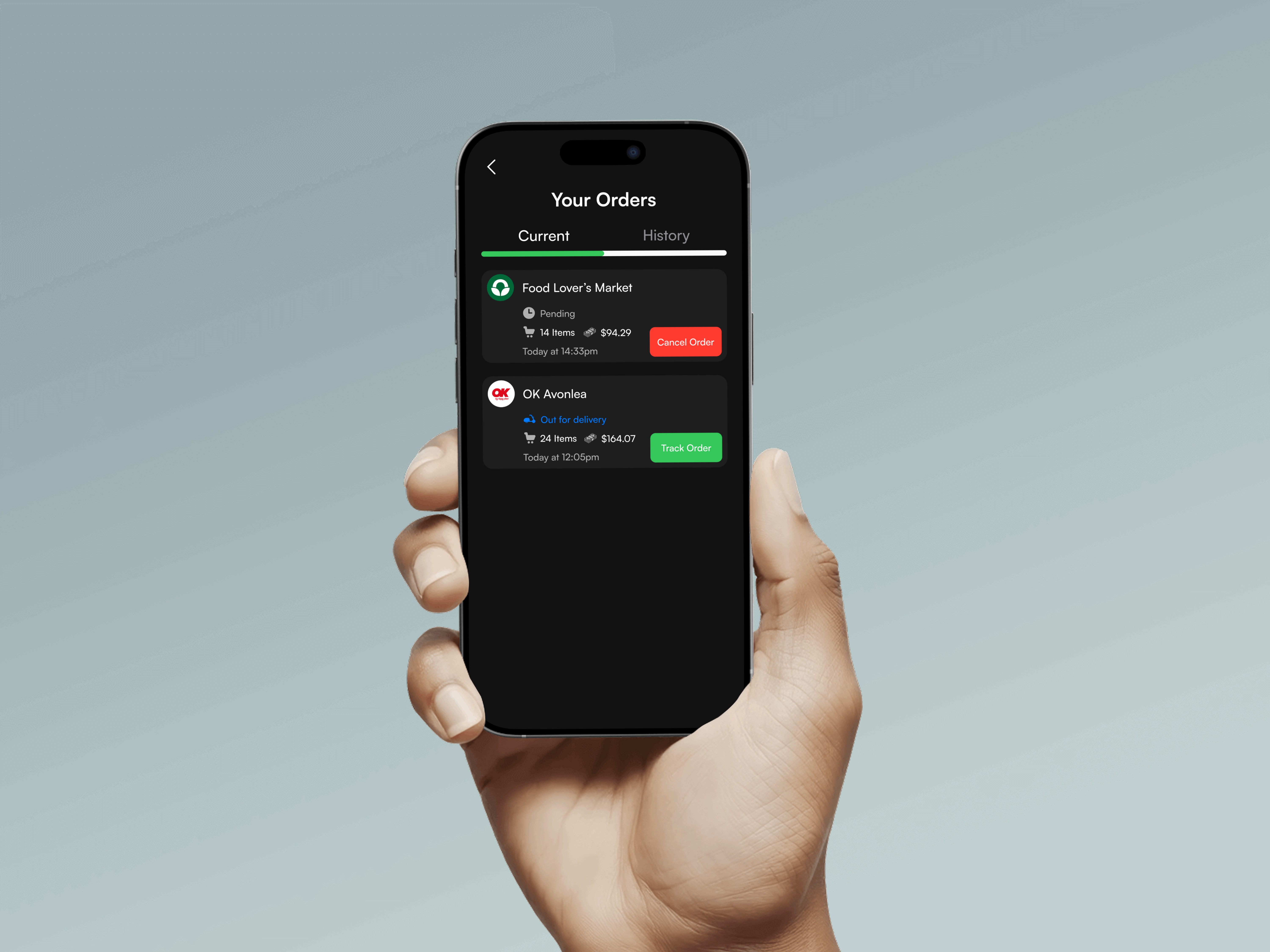
I had to ensure the interface felt intuitive and lightweight, while still handling complex tasks like store selection, cart management, and delivery tracking.Consistency Across Light & Dark Mode
Creating a dual theme meant carefully picking colors and icon states that remained accessible, legible, and on-brand in both modes.Optimizing for User Convenience


A key challenge was finding the right way to integrate features like the store switcher and More tray without overwhelming the user, while keeping actions within easy thumb reach.Space Constraints on Mobile
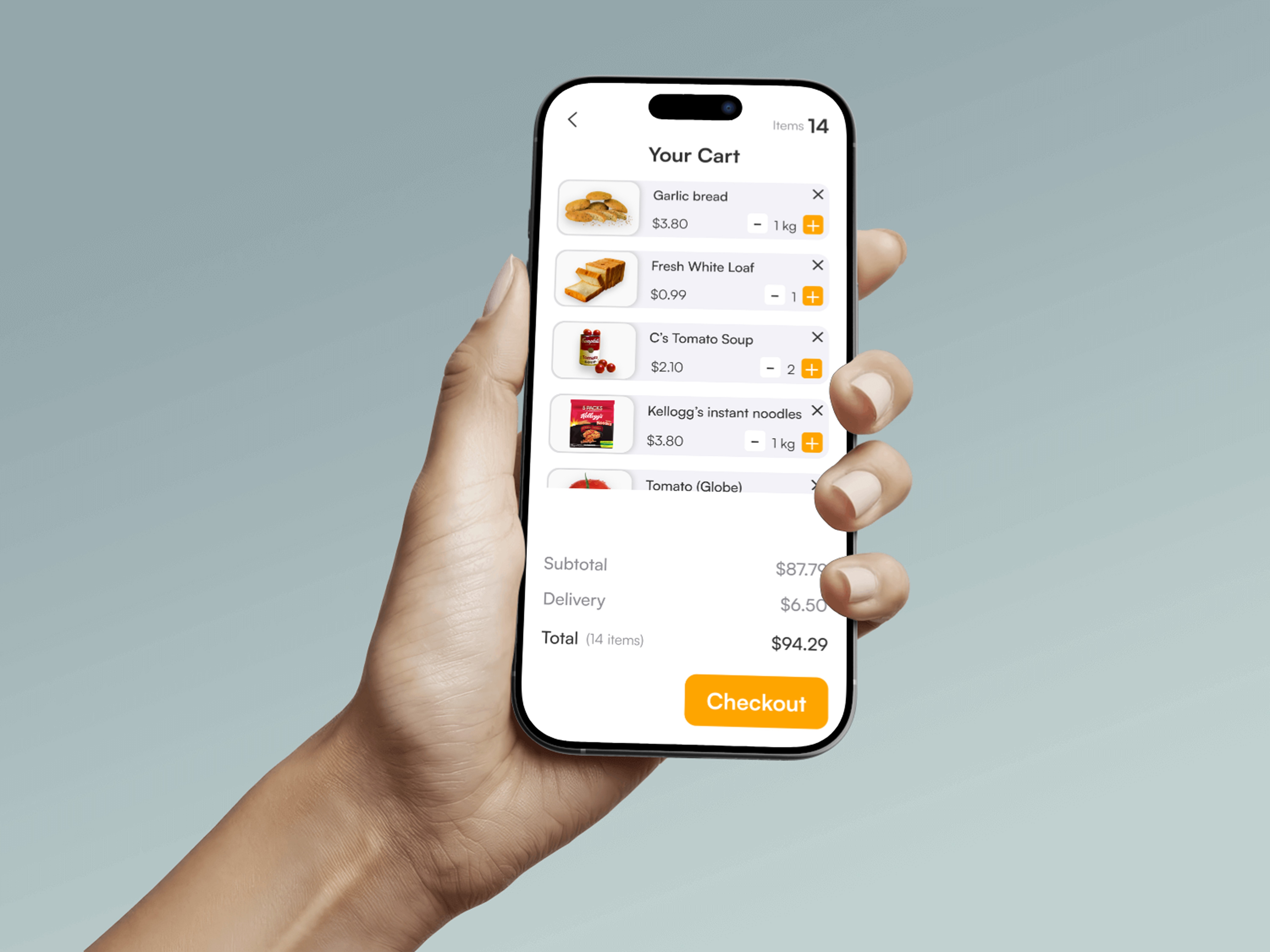
Designing compact cards (e.g., products and orders) required prioritizing what information was essential for users to see first, without cluttering the layout.
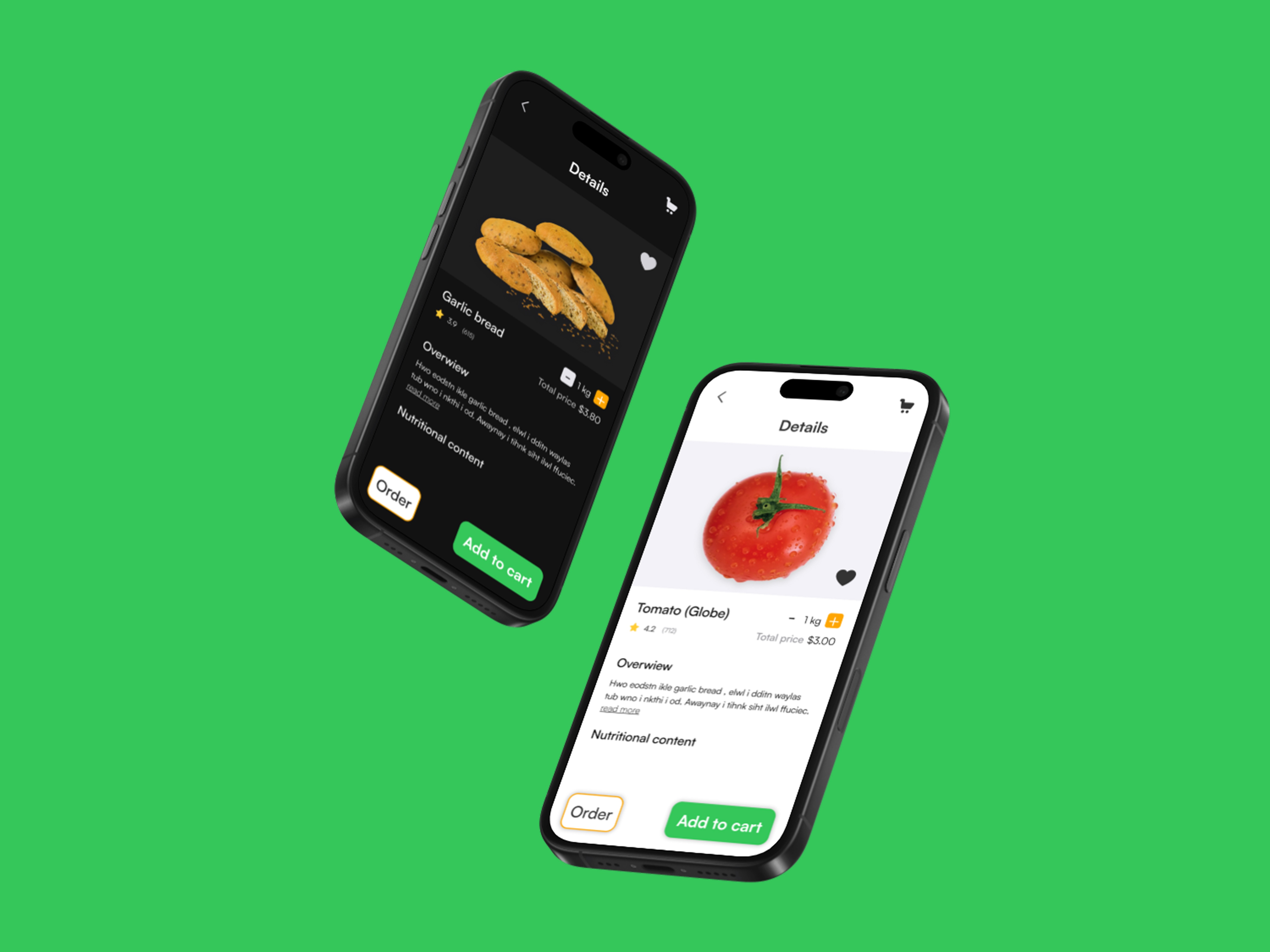
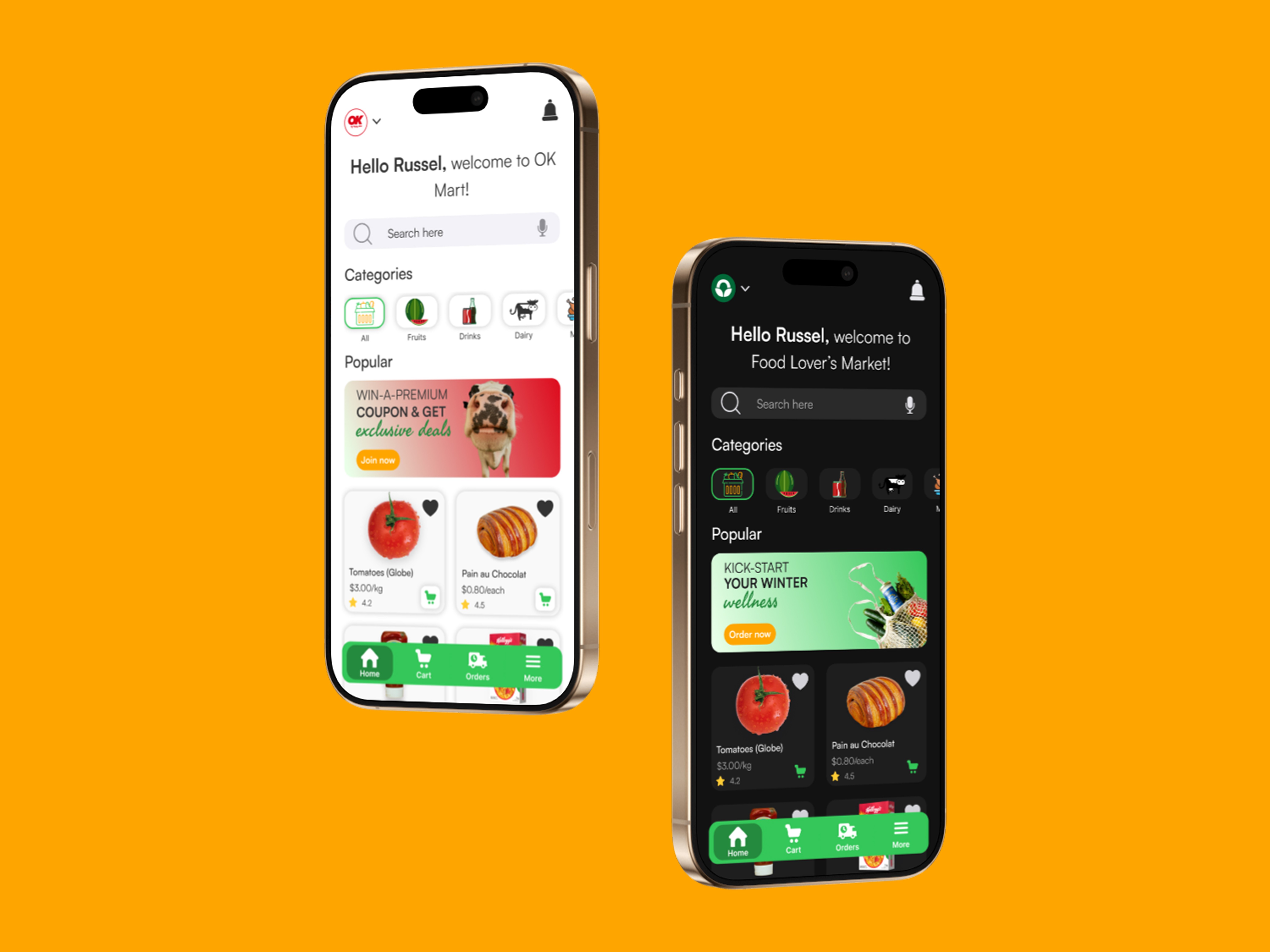
The final design of QuikCart successfully delivers on its goal of making grocery shopping online simple, fast, and trustworthy. Through multiple iterations and usability feedback, I refined the product into an experience that feels both familiar and elevated.
Key Outcomes:
A streamlined store selection flow that reduces confusion and helps users commit to one shop at a time while still making switching easy.
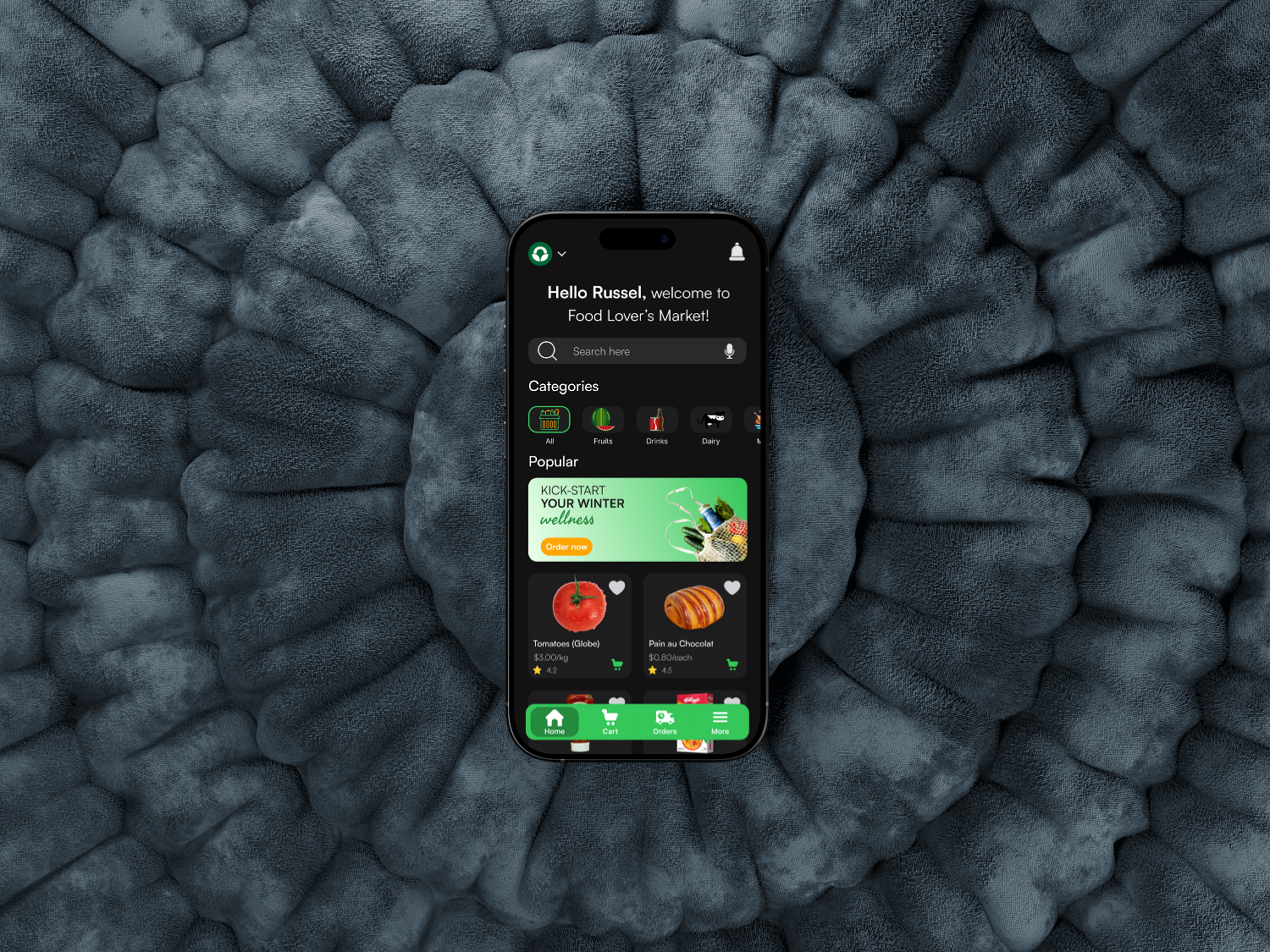
Navigation clarity — the bottom nav and “More” tray ensure that all essential actions are accessible within 1–2 taps.
Compact, information-rich cards (for products and orders) that prioritize what users need to see first without overwhelming them.
A dual light/dark mode system that keeps the brand’s bright, energetic feel consistent while maintaining accessibility in different environments.
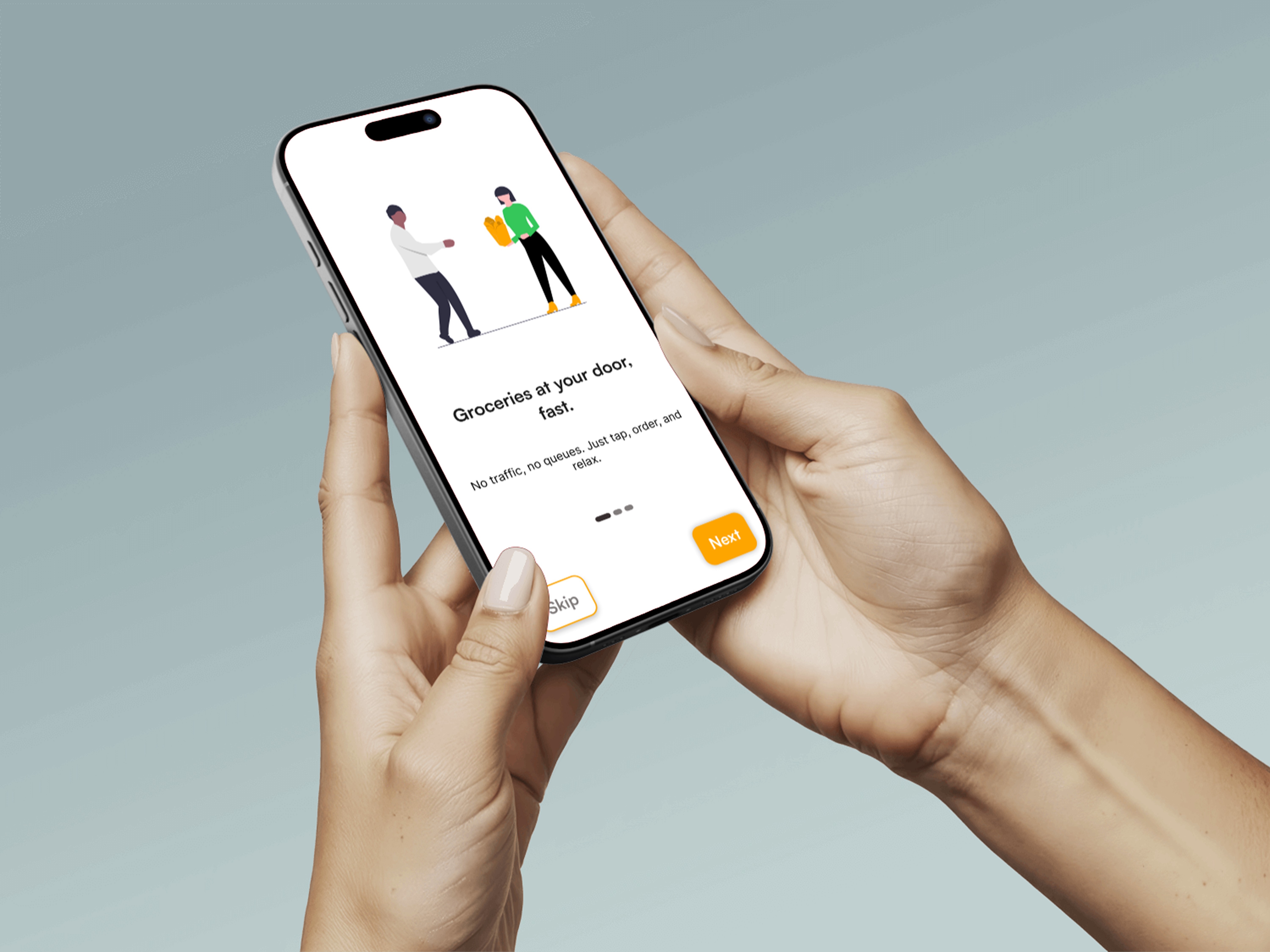
Positive user testing feedback highlighted the ease of onboarding, the clarity of CTAs, and the overall smoothness of the shopping flow.